AI Video & Image Models: Every Generator in One Account
Run several AI video models from one credit balance. Compare generators side by side and switch between them inside your browser.
Browse modelsExplore AI Video Models and Image Generators
Browse 26 model pages, covering 14 AI video models and 12 image models ready for your projects.
Video Models in Ricebowl
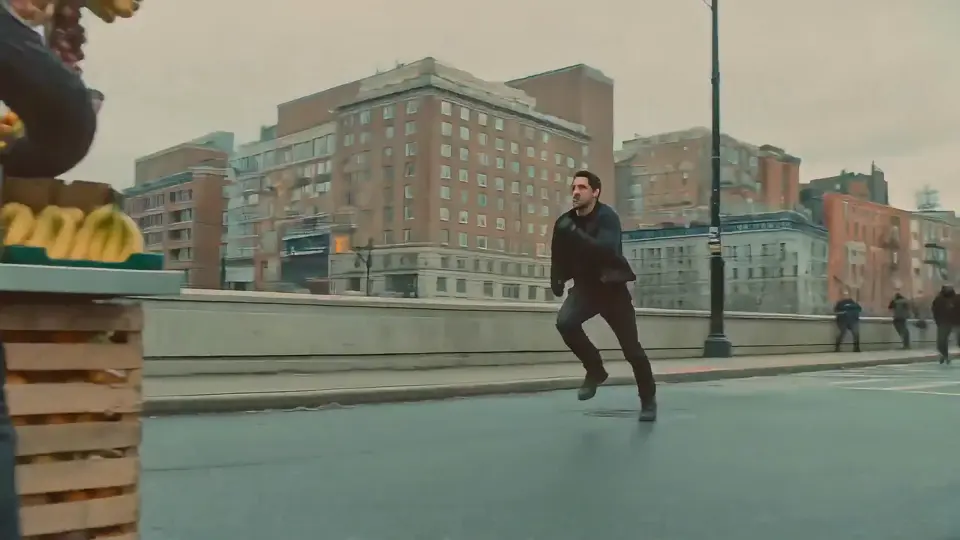
Seedance 2
5 variants, from Mini to 2.5
Kling 3
4 variants, incl. motion control

MiniMax H3
1 variant, 21:9 and 2K output
Sora 2
OpenAI model, discontinued · auto-switches to MiniMax H3
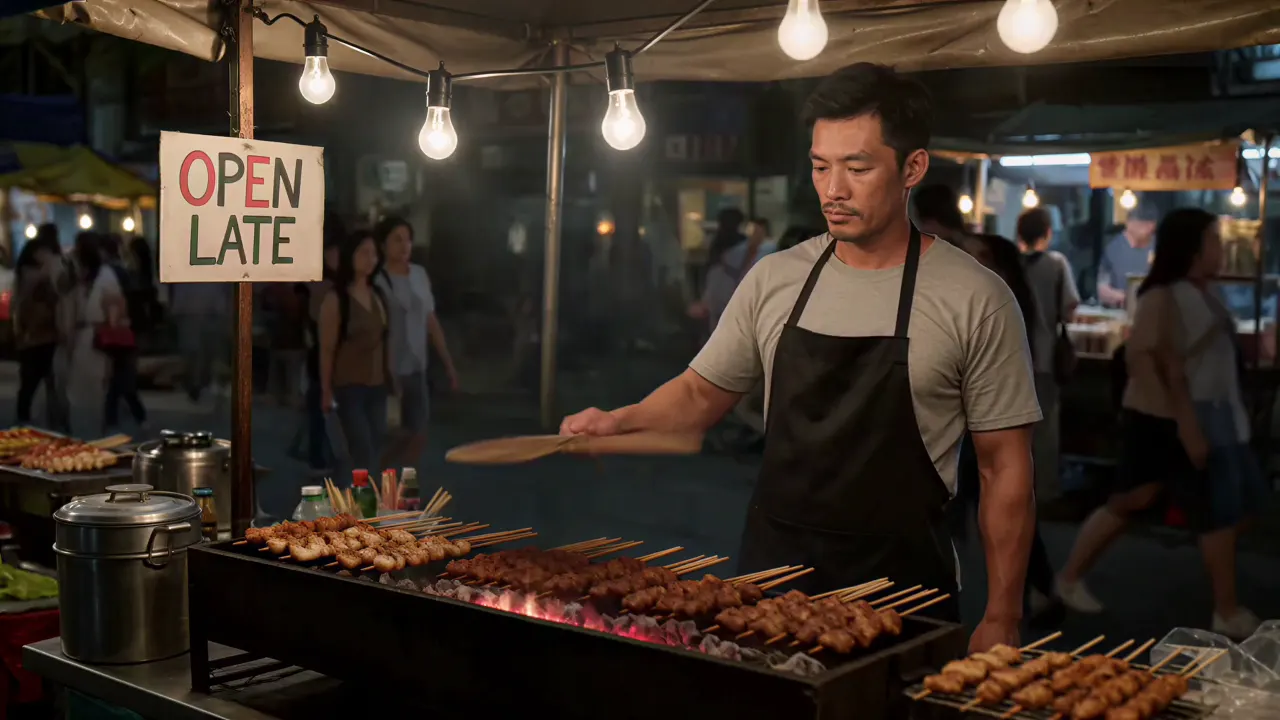
Veo 3
Google's video model with native audio
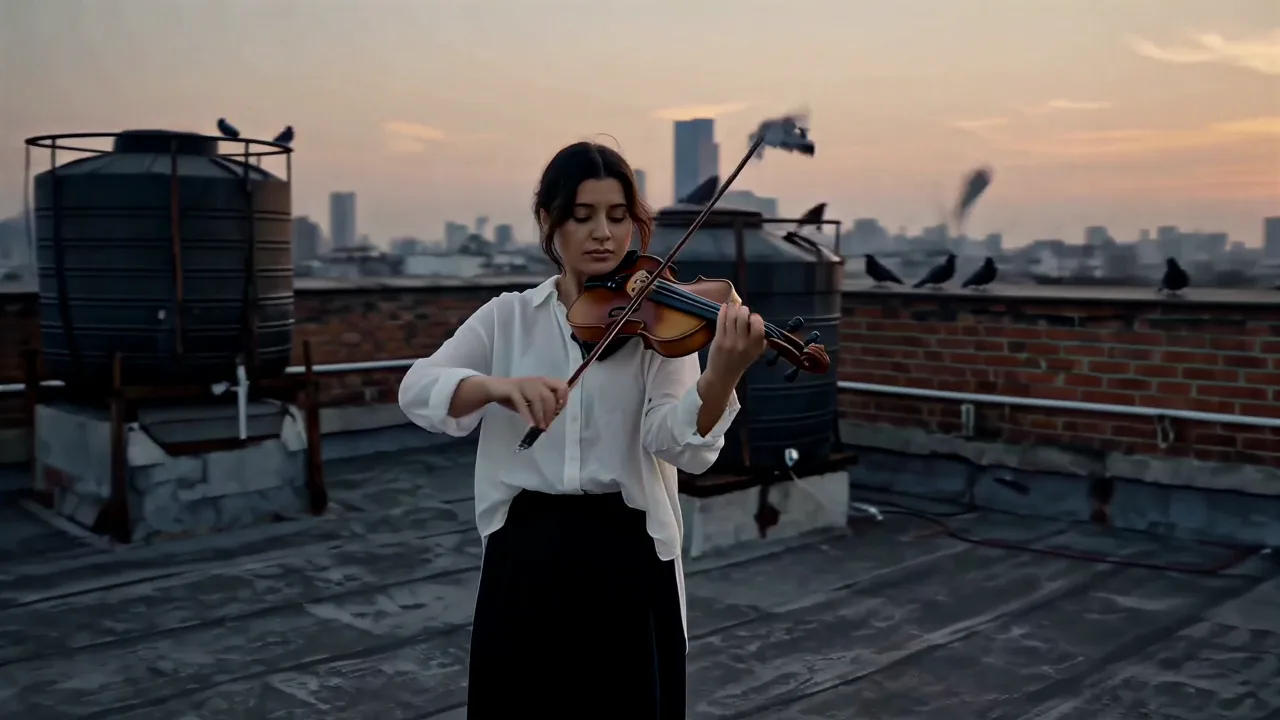
Seedance 2.5
ByteDance's video model, text or photo to clip
Kling 4.0
30-second takes, 10 keyframes, 15 references
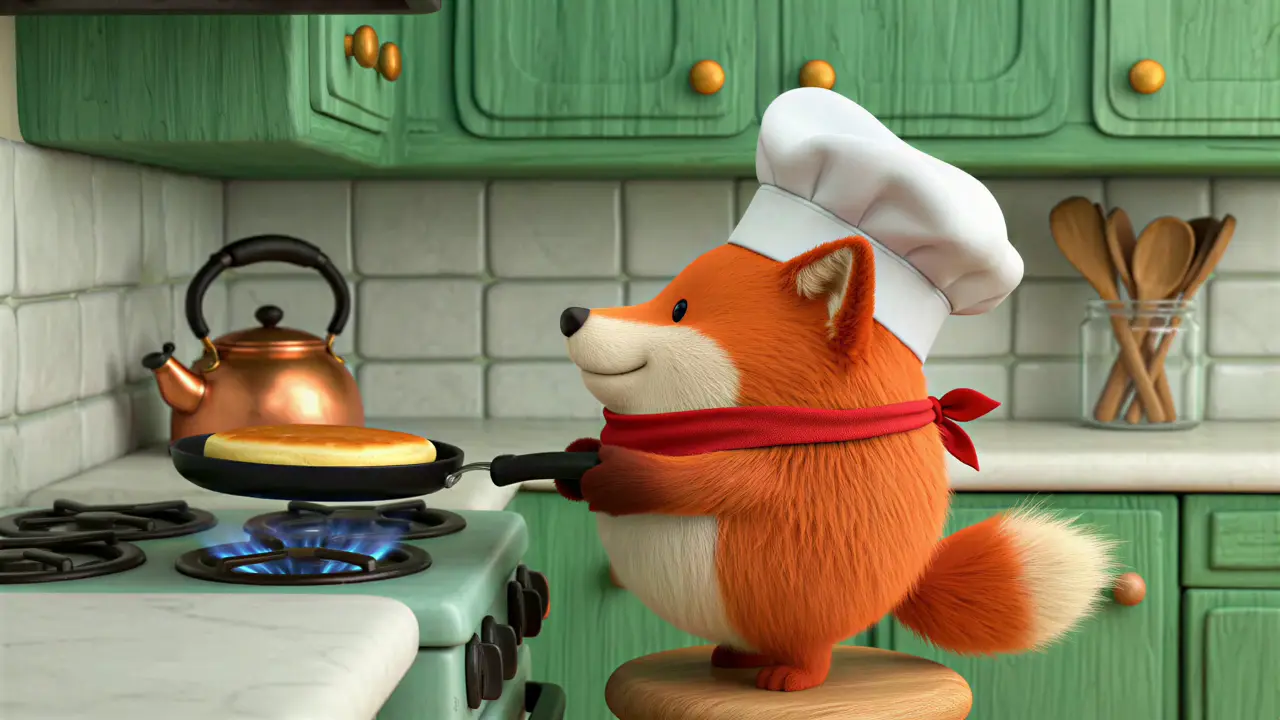
PixVerse AI
Fast text and image to video with effects
Grok Imagine
xAI's video model, text or image to clip
Gemini Omni
Google's all-in-one video model
HappyHorse
Alibaba's video model, text or image to clip
Hailuo AI
Text or photo to video, runs on MiniMax H3
Luma AI
Text or photo to video, runs on MiniMax H3
Runway AI
Text or photo to video, runs on MiniMax H3
Image Models in Ricebowl

GPT Image 2
Text to image, edit and restyle
Nano Banana 2
4K images, chain-of-thought reasoning, multilingual text
Nano Banana
Google's image model, generate and edit
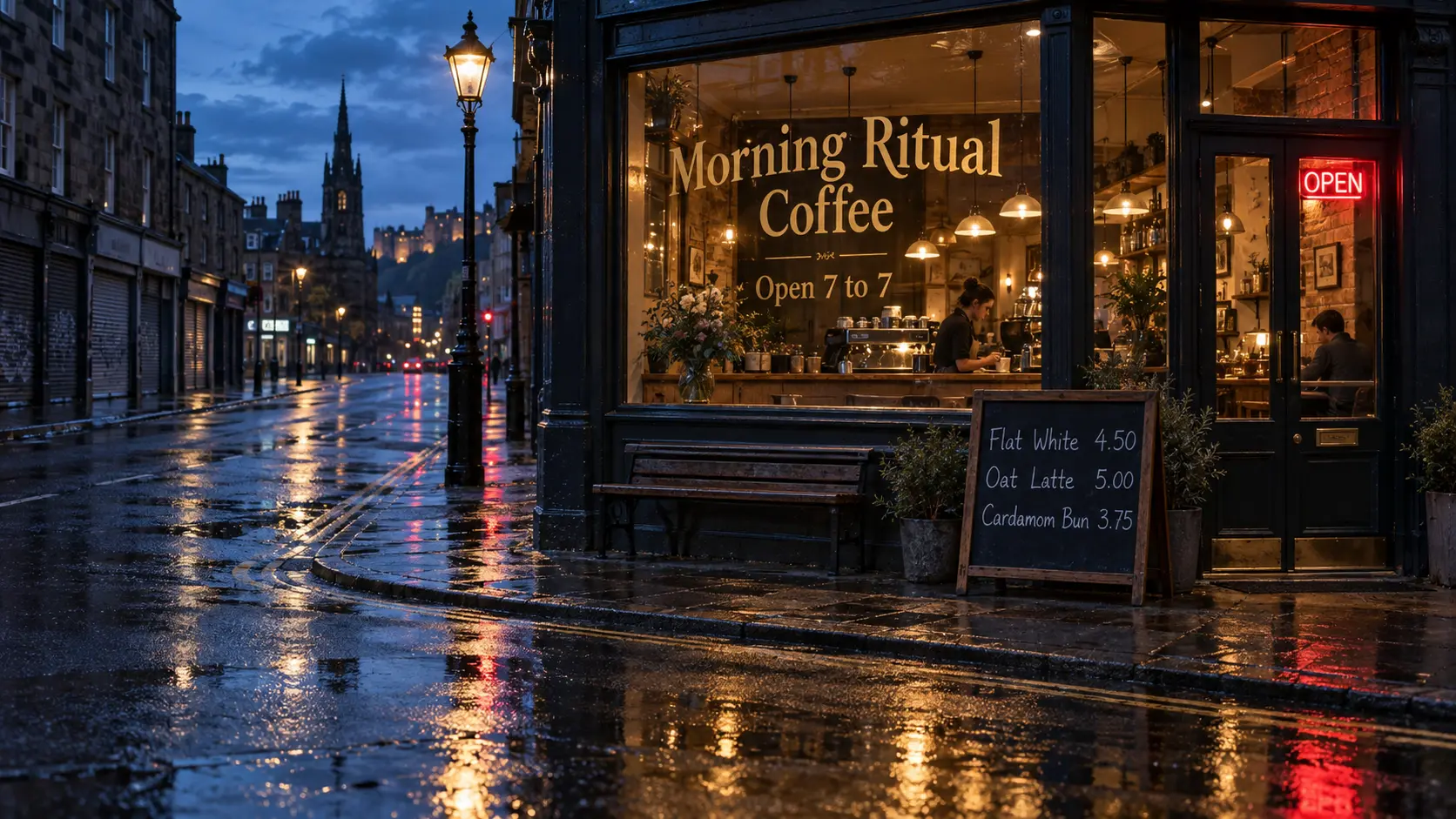
Nano Banana Pro
Nano Banana Pro for sharper, text-rich images
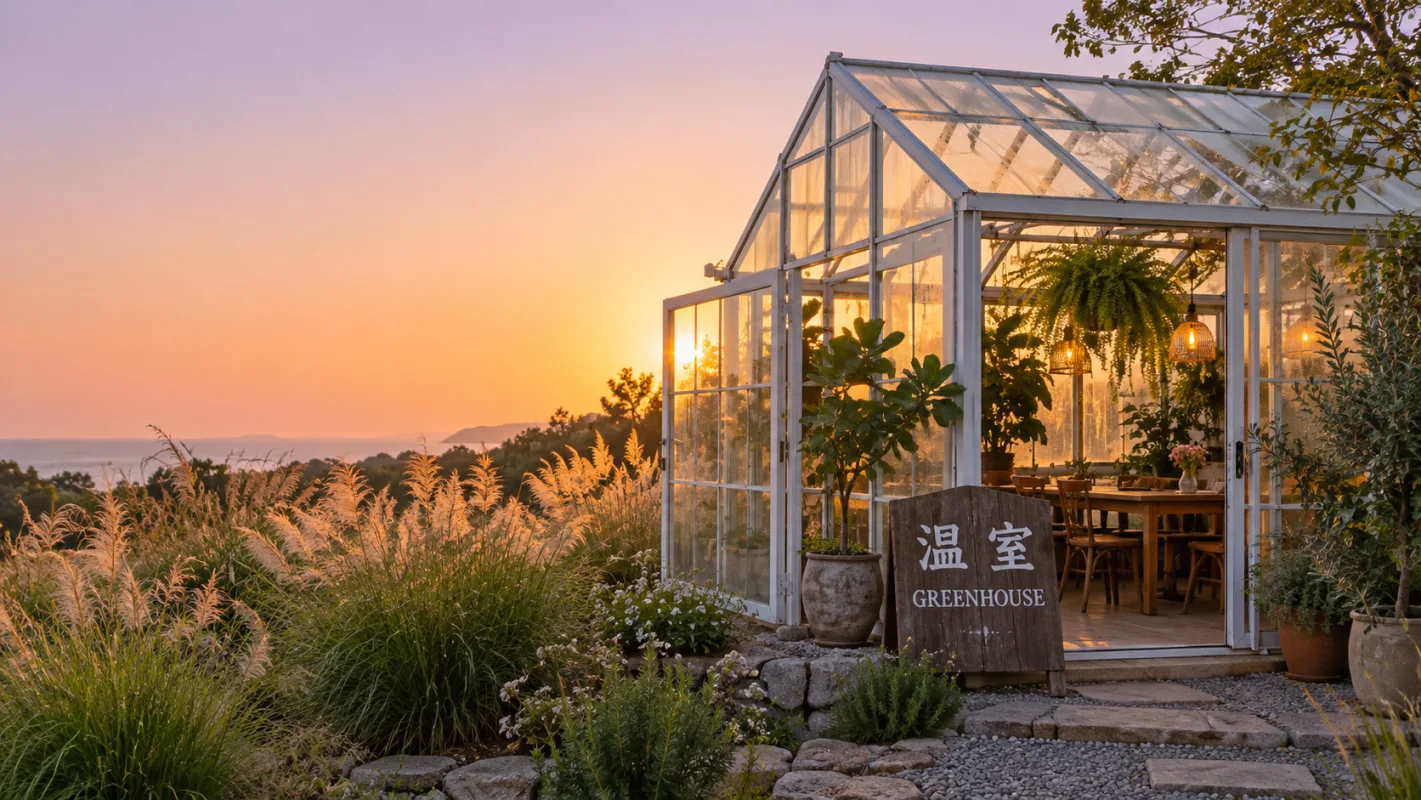
Seedream
ByteDance's image model, up to 4K
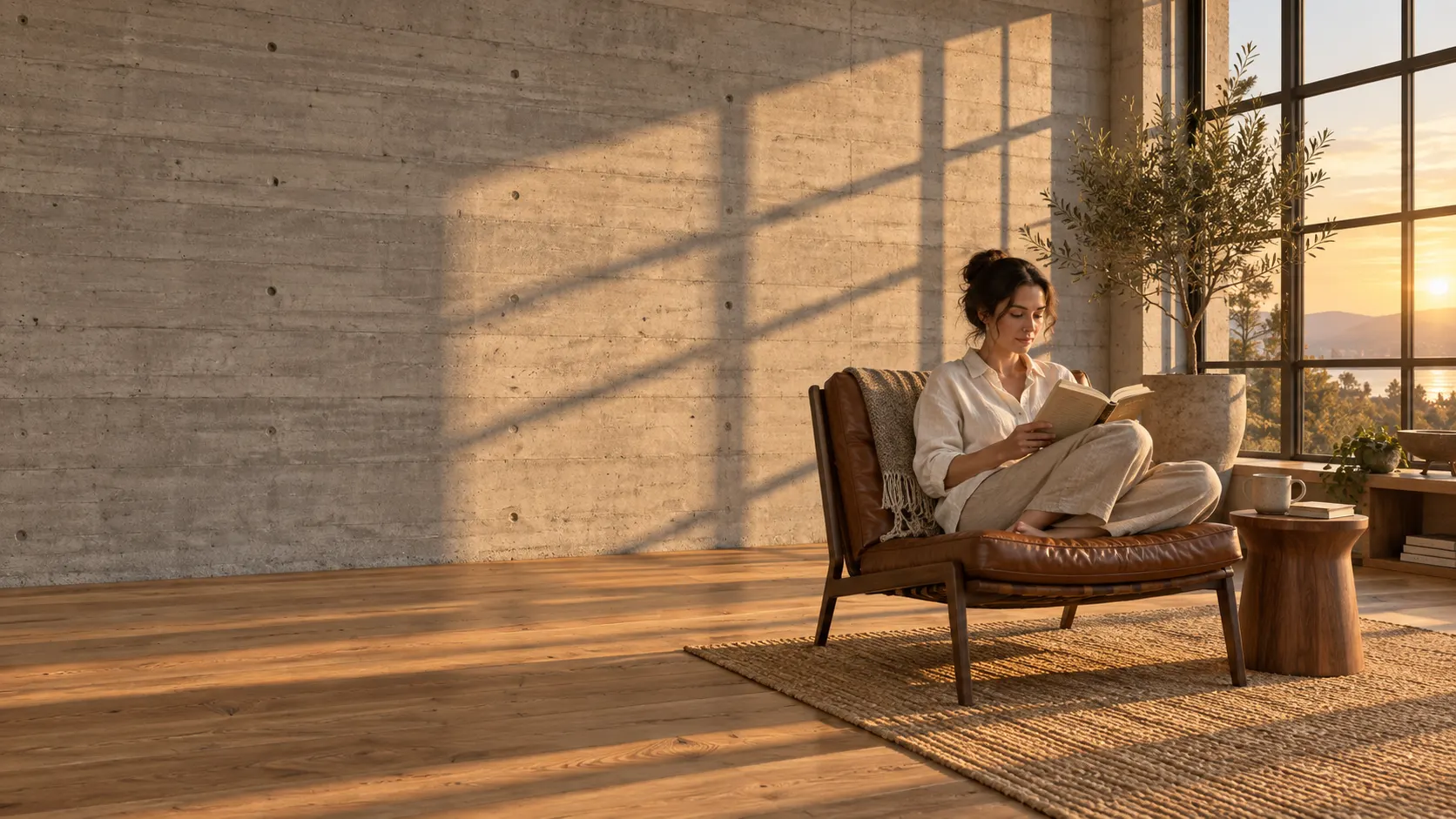
FLUX AI
Black Forest Labs' image model, FLUX.2
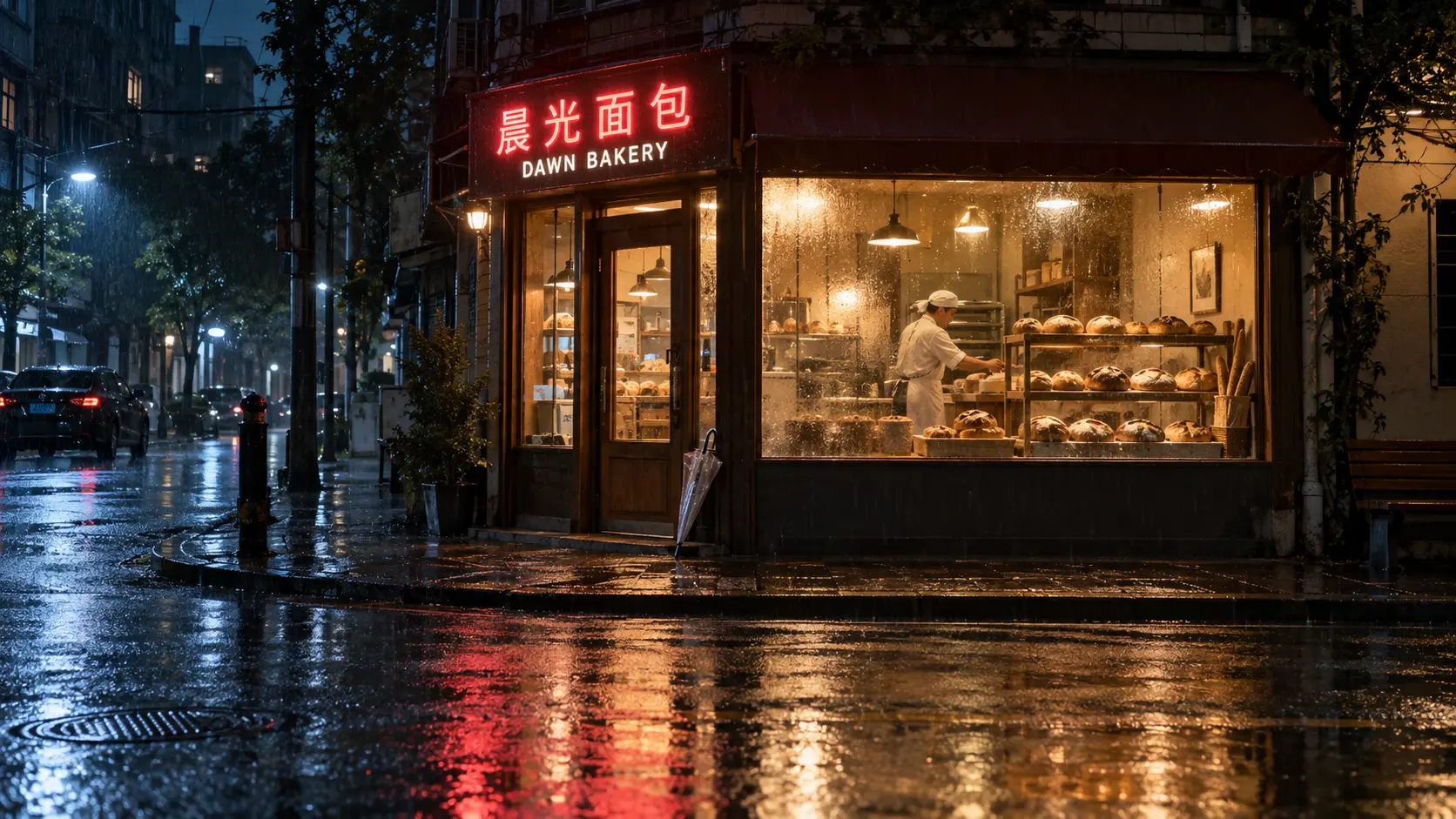
Z-Image Turbo
Alibaba's fast image model, Turbo
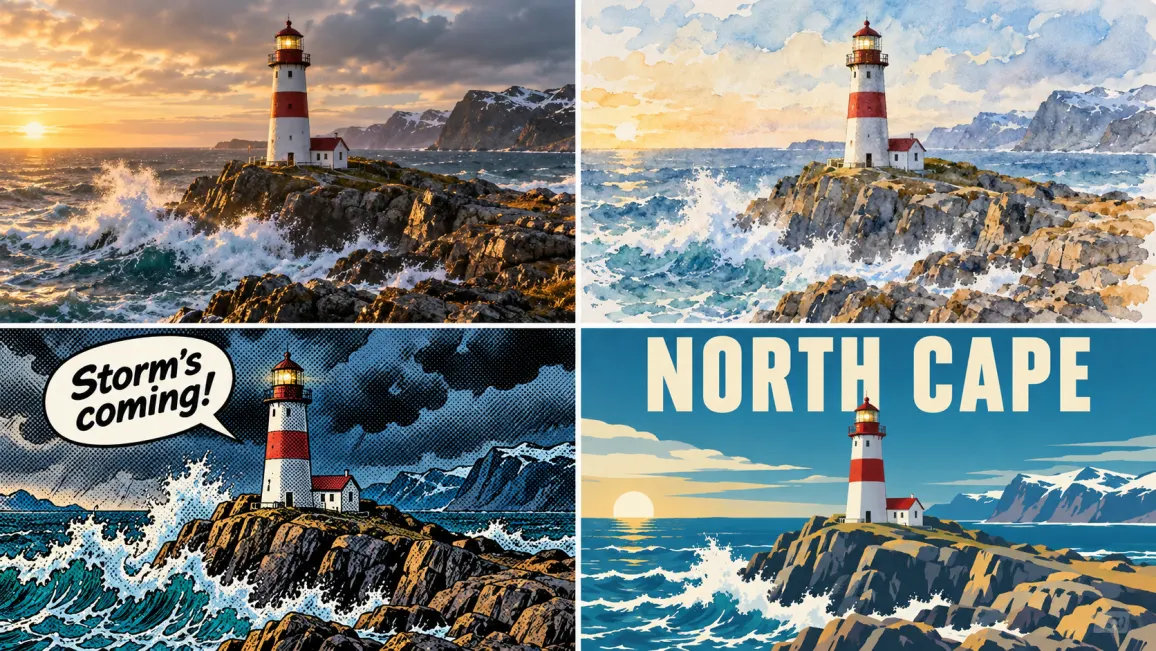
Qwen Image
Alibaba's image model with clean text
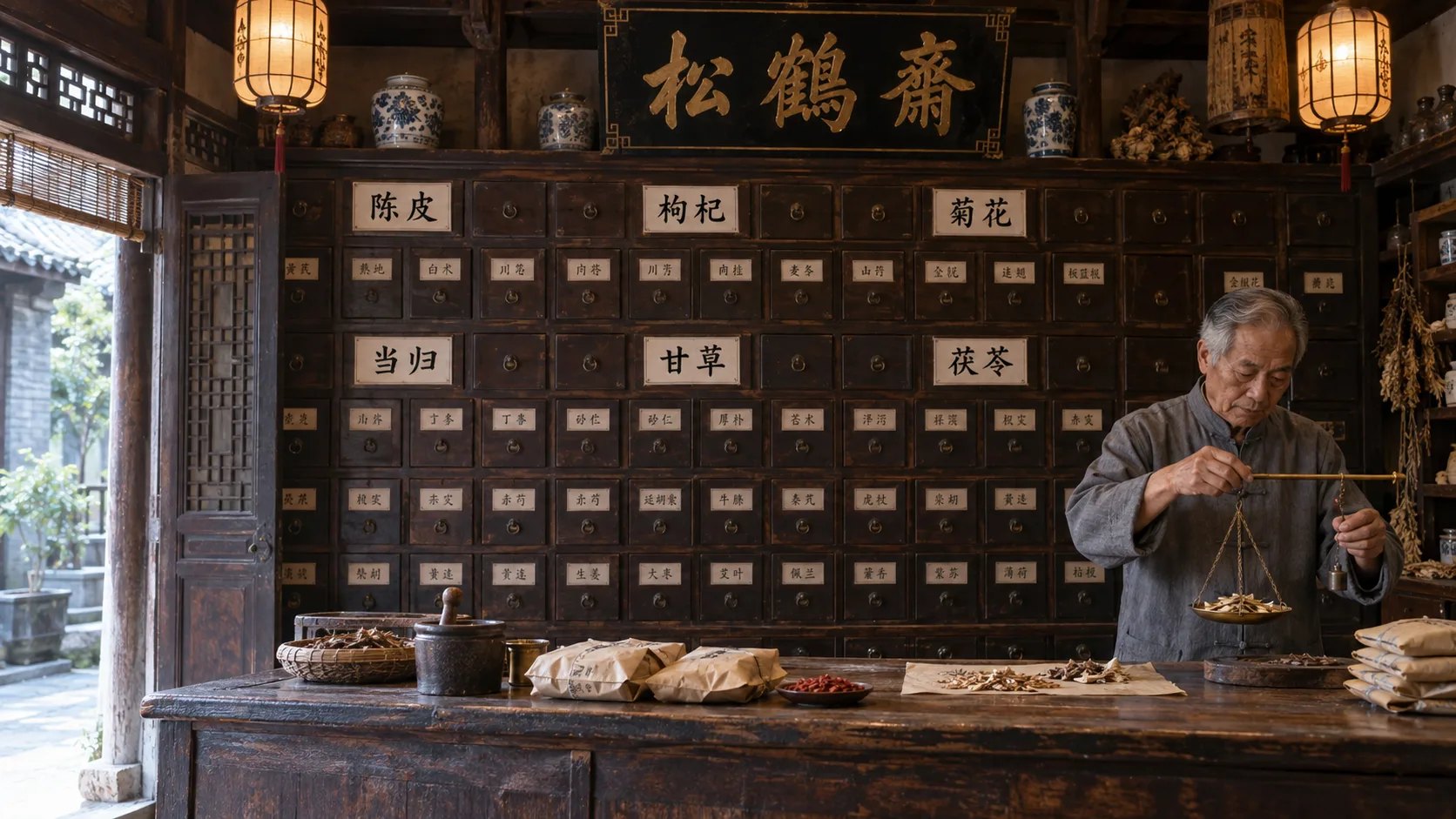
Qwen Image 2.1
Alibaba's 7B image model, prompts plus reference photos
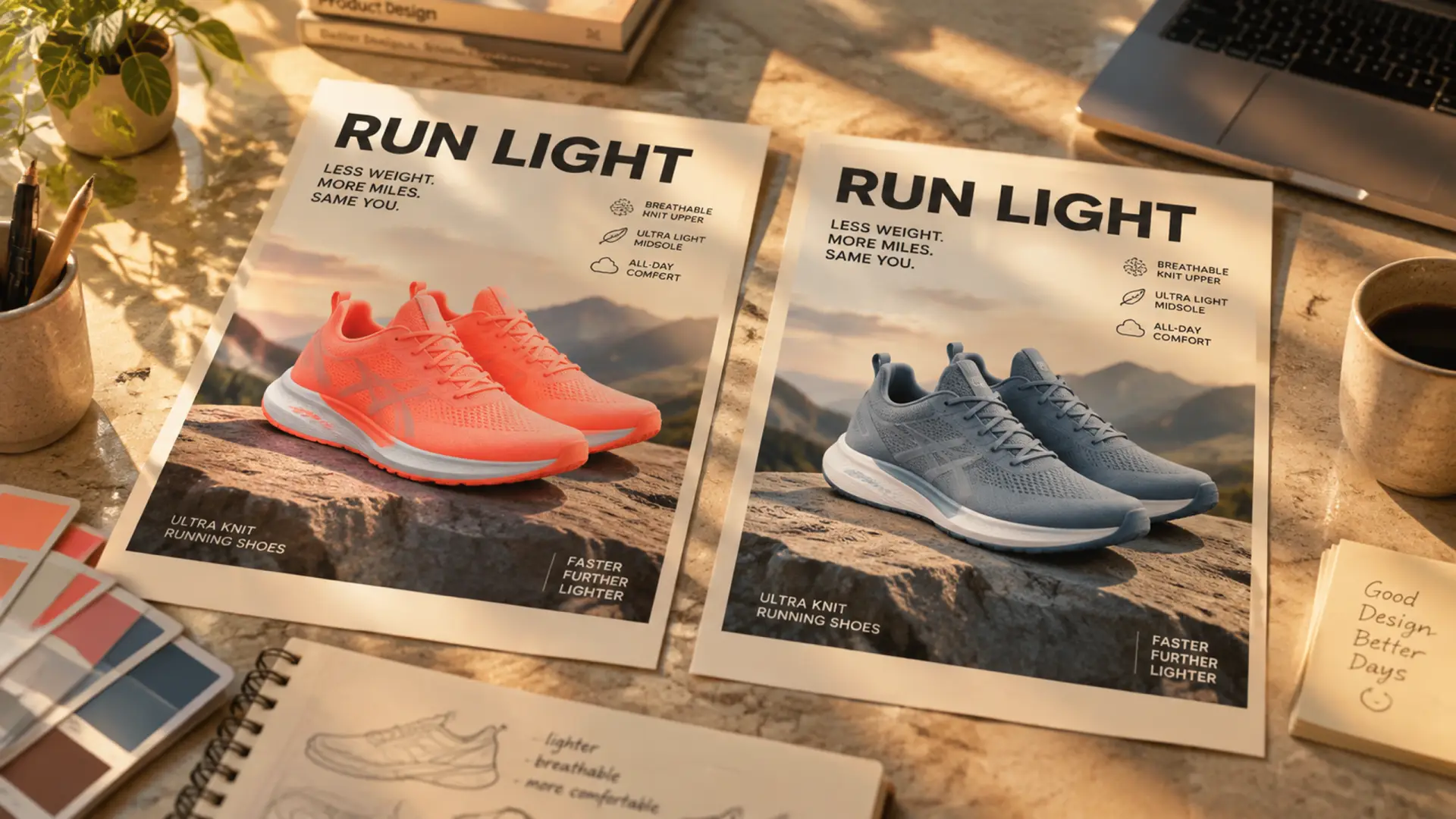
Ideogram 4.5
Precise edits: change one thing, keep the rest
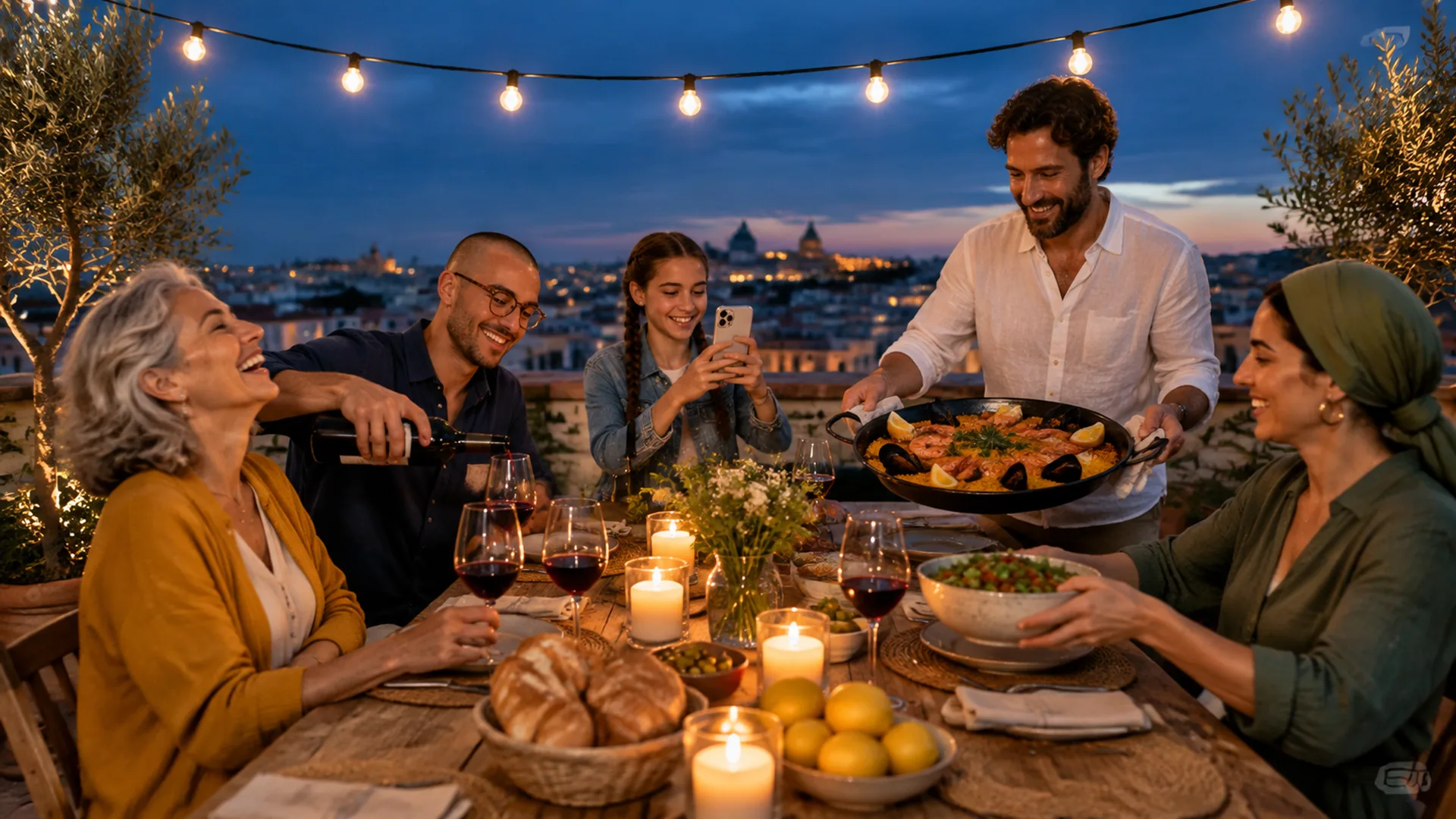
Nano Banana 2.1
Google's newest: multi-character scenes and infographics
Ideogram
Posters and text in images, runs on GPT Image 2.5
What Are AI Video & Image Models?
AI video models turn text, images, or audio clips into finished video files. An image generator outputs a single still picture, while video generators predict motion across multiple sequential frames. Both types of software read your prompt, match patterns from training data, and generate new visual files from scratch.
A model is the computational engine, whereas Ricebowl is the platform where you run many different models. Instead of managing separate logins, you use AI video models and image tools with one account and one shared credit balance. Every finished generation downloads directly to your device as an MP4 or image.
Different makers build AI video models for different tasks. ByteDance makes Seedance 2 to take video and audio as references. Kuaishou designed Kling 3 to produce sound together with the picture. MiniMax H3 renders in 2K and 21:9 widescreen, while Google built Nano Banana 2 to spell text across many scripts.
Sora 2: Discontinued — What Happens on Ricebowl
Sora 2 is OpenAI's model, and OpenAI shut it down. Even though it is discontinued, the Sora 2 entry is still in the model list alongside active AI video models.
Ricebowl cannot produce a real Sora 2 render. If you select Sora 2 among the AI video models, your prompt automatically switches to MiniMax H3 instead. A notice tells you first, and no credits move until you accept.
MiniMax H3 outputs video up to 2K resolution at 24fps with native stereo audio. It supports six aspect ratios, including 21:9 widescreen, and leaves no watermark on any plan.
All Models Available in the Workspace
You can access 19 additional models directly inside the workspace model menu. These options run alongside featured AI video models using your existing account and single credit balance, with no separate setups required.
Video Models in Ricebowl
- Veo 3.1 Fast
- Veo 3.1 Pro
- Seedance 2.0 Fast
- Seedance 2.0 Mini
- Seedance 1.5 Pro
- Kling 3 Fast
- Kling 3.0 Turbo
- Kling Motion Control 3.0
- HappyHorse 1.0
Image Models in Ricebowl
- GPT Image 1.5
- Nano Banana
- Seedream 5.0 Pro
- Seedream 4.5
- Qwen Image 3.0 Pro
- Qwen Image 2.0
- Wan 2.7 Image
- Wan 2.7 Image Pro
- FLUX.2 Flex
- GPT Image 2.5 Sunburst
How to Choose the Right Model for Your Task
Remake or extend footage you already have
Seedance 2 accepts up to 12 reference files across text, images, video, and audio. It is built for editing, extending, or remaking existing shots among AI video models while maintaining consistent faces and outfits across clips up to 15 seconds.
Generate a talking character with sound or a 4K clip
Kling 3 generates dialogue, ambience, and lip-sync in the same render pass as the visuals. It stands out among AI video models with multi-shot cut planning, motion control transfer, and 4K output on Kling 3 Omni.
Produce a sound-on vertical ad or 21:9 widescreen clip
MiniMax H3 renders 2K video at 24fps with native stereo audio in one pass. It provides six aspect ratios, up to nine reference images, and multi-shot generation from one prompt among available AI video models.
Design product photos and ad variants with short text
GPT Image 2 accepts reference images at high fidelity and renders short headlines or labels inside images. It supports 1K, 2K, and 4K resolutions across eleven aspect ratios from 21:9 to 9:21 for packaging mockups and ads.
Render posters and labels with text in several scripts
Nano Banana 2 uses chain-of-thought reasoning before rendering images in 1K, 2K, or 4K. It spells text correctly across multiple writing systems, including Japanese, Arabic, and Hindi, and accepts reference images.
Maintain a consistent character across a batch of images
Nano Banana 2 keeps the same character across a batch of images. You can generate related stills at 1K, 2K, or 4K resolution using reference images and text instructions.
Model Comparison at a Glance
| Model | Type | Input | Best for |
|---|---|---|---|
| Seedance 2 | Video | Text, images, video, audio (up to 12 files) | Remaking and extending existing footage with consistent characters |
| Kling 3 | Video | Text, up to 2 reference images | Dialogue, lip-sync, motion control, and 4K multi-shot clips |
| Kling 4.0 | Video | Text (up to 8,000 tokens), 15 references, 10 keyframes | Storyboard-style sequences up to 30 seconds with stereo sound |
| MiniMax H3 | Video | Text, up to 9 reference images, audio | 2K 24fps video with native stereo sound and widescreen ratios |
| Sora 2 | Video (discontinued) | Text and images (runs as MiniMax H3) | Nothing: OpenAI shut it down; picks switch to MiniMax H3 |
| GPT Image 2 | Image | Text prompts and reference images | Product photos, ad variations, packaging mockups, and short labels |
| Nano Banana 2 | Image | Text prompts and reference images | Consistent character batches and text in Japanese, Arabic, or Hindi |
| Nano Banana 2.1 | Image | Text and reference images | Multi-character scenes from character sheets and artistic style transfers |
| Qwen Image 2.1 | Image | Text, up to 8 reference images | Transparent backgrounds and readable English or Chinese text in quotes |
| Ideogram 4.5 | Image | Text, reference images, masks | Precise single-element edits, sign text swaps, and photo restoration |
FAQs About AI Video and Image Models
What are the best AI video models in 2026?
Selecting the best AI video models depends entirely on what you want to create. Seedance 2 handles editing existing footage, Kling 3 creates lip-synced dialogue, and MiniMax H3 outputs 2K widescreen clips with audio. You can check the choose section above to match specific AI video models to your project.
What is the difference between an AI video model and an AI image model?
An image model computes a single still frame from text or image prompts. AI video models calculate sequential frames to generate movement across time, often rendering synchronized audio tracks. Both types output standard files, exporting as still image formats or MP4 video clips.
Which AI video models can I use on Ricebowl with one account?
You can use Seedance 2, Kling 3, and MiniMax H3, along with 19 additional options directly in the workspace menu. AI image models like GPT Image 2 and Nano Banana 2 run on the same account with the same credit balance.
Can I use Sora 2 on Ricebowl, and what happens if I select it?
Ricebowl cannot produce a real Sora 2 render because OpenAI shut the model down. If you pick Sora 2 from the list of AI video models, your prompt switches to MiniMax H3. A prompt notice explains the replacement first, and no credits move until you confirm.
Is Kling 4.0 better than Kling 3 for realistic video?
Kling 4.0 expands technical limits by supporting 30-second takes, 10 keyframes, and 15 reference files, compared to Kling 3 which stops at 15 seconds and anchors only a first and last frame. For short clips you already know how to prompt, you can stay with Kling 3 among available AI video models.
Which AI image models are suited for text inside images?
GPT Image 2 renders short headlines and labels inside product images. Nano Banana 2 handles lettering across multiple writing systems, including Japanese, Arabic, and Hindi. Both tools serve as specialized AI image models for projects that require clean visual typography.
Are AI video models free to try on Ricebowl?
Signing up is free and adds 8 credits to your account with no card needed. Those 8 credits are not enough for any AI video models, since the cheapest video clip on MiniMax H3 costs 20 credits. The 8 credits do cover one image, but further generation requires a credit pack or plan.
Do I need separate accounts or subscriptions for each AI model?
No separate subscriptions or accounts are required for individual makers. You do not need a Chinese phone number to access any tools. One Ricebowl account and a single credit balance let you run multiple AI video models and image generators in your browser.
Which AI model should I pick for image-to-video?
Seedance 2 takes up to 12 reference files including images to extend or modify existing visual content. Kling 3 takes up to two reference images and applies motion control. MiniMax H3 accepts up to nine reference images, giving you multiple options among AI video models.
How often does Ricebowl add new AI models?
Ricebowl adds a dedicated page when a new model launches, as seen with Kling 4.0, Ideogram 4.5, and Nano Banana 2.1 following their debuts in September and October 2026. There is no fixed schedule or guaranteed frequency for additions to the catalog of AI video models.
Start Generating with AI Video Models and Image Tools
Create a free account to receive 8 starter credits without entering a card. That covers your first image render, while video generation on AI video models starts at 20 credits with a paid pack or plan.
Create account